
Estimatrix guidesSwitching between metres and feet mid-project, without losing accuracy
Convert a whole project between metric and imperial at any time: dimensions, item units, manual rates, analyses and bar lengths follow with exact factors. What changes and what stays.
By Muhammad Sarowar Hossain, Founder & CEOPublished 21 October 2026Updated 24 November 20265 min read
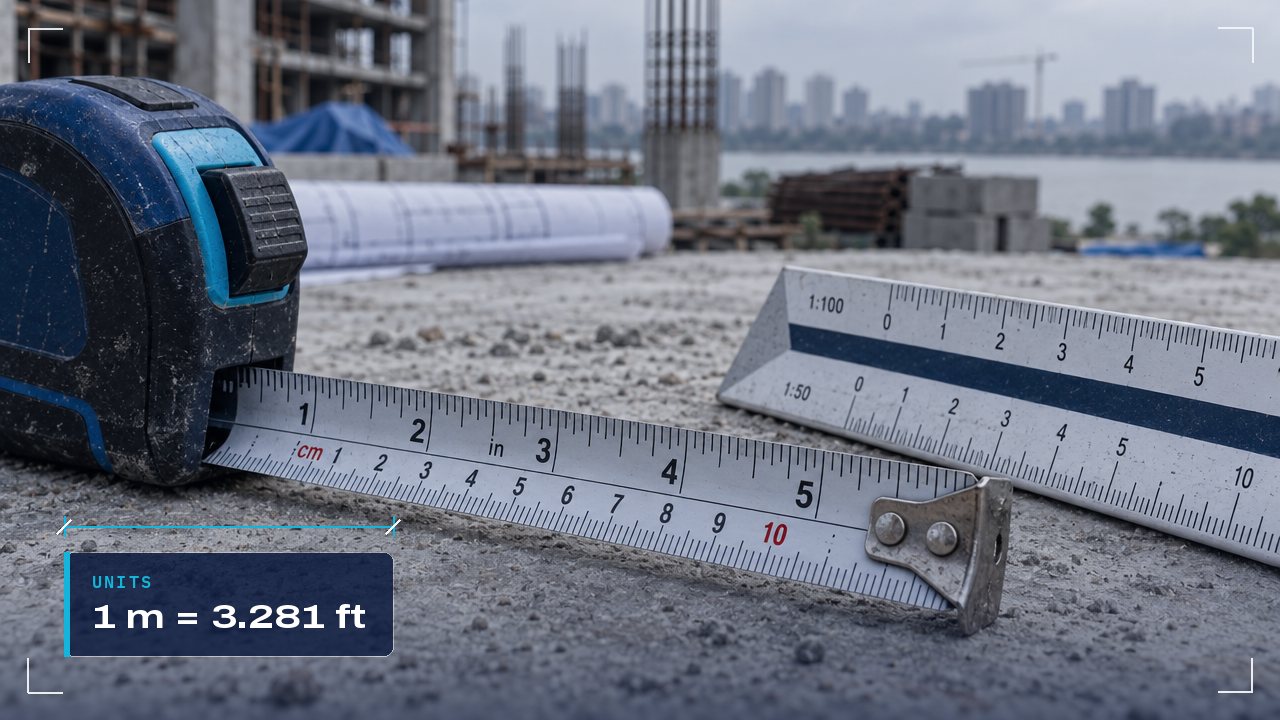
Many drawings in Bangladesh are dimensioned in feet and inches, while the PWD Schedule of Rates is published in metric units. Sooner or later an estimator has a BOQ in one system and a client who wants it in the other.
Converting by hand means touching every dimension and every rate. Estimatrix changes the unit system of the whole project at any point, and the budget stays the same.
How to switch
Use Format → Measurement units, or the ⇆ m → ft button in the toolbar. A dialog explains what will happen and shows the current budget.
One item in both unit systems
10 cum
× 35.3147 from cum to cft.
What converts
| Element | Conversion |
|---|---|
| Lengths, breadths, heights, bar lengths | × 3.28084 or × 0.3048 (1 ft = 0.3048 m exactly) |
| Area units | sqm ↔ sft (× 10.7639) |
| Volume units | cum ↔ cft (× 35.3147) |
| Manual rates | divided by the same factor, so the cost of the item is unchanged |
| Direct quantities | multiplied by the factor |
| Rate analyses | re-based to the new unit; lines are scaled so the rate per unit is exact |
| PWD SoR rates | re-expressed from the published rate |
Items in kilograms and metric tons are unchanged.
A worked check
An item of 10 cum at a rate of Tk 12,000 per cum costs Tk 1,20,000.
- Quantity in feet: 10 × 35.3147 = 353.15 cft
- Rate in feet: 12,000 ÷ 35.3147 = Tk 339.80 per cft
- Amount: 353.15 × 339.80 = Tk 1,20,000, to the nearest taka
The quantity went up and the rate went down by the same factor, so the money did not move.
What stays the same
Quantities in physical terms, the cost of each item and the project budget. The only differences come from rounding the displayed rate to the paisa, usually a few taka on a project of crores.
Formulas typed in length cells are dropped during the switch, because they were written in the old unit; the converted values remain.
Undo
A restore point is saved before the switch. Undo global change (also in the Edit menu) returns the project exactly as it was.
Typing the other system
You do not need to switch units to enter one dimension from the other system: length cells accept 12'-6", 6", 3.81m or 150mm and convert on the spot.
When to switch, and when not to
- Switch when the reader of the BOQ works in the other system, or when the drawings change system.
- Do not switch only to enter a few dimensions; type the unit in the cell.
- Switch before you write formulas in length cells, not after, because the formulas are not kept.
The factors, in one table
| From | To | Multiply by |
|---|---|---|
| metres | feet | 3.28084 |
| feet | metres | 0.3048 |
| inches | millimetres | 25.4 |
| square metres | square feet | 10.7639 |
| cubic metres | cubic feet | 35.3147 |
A rate goes the other way. A quantity in the smaller unit is a bigger number, so its rate must be a smaller one.
| Rate | Becomes | Working |
|---|---|---|
| Tk 100 per metre | Tk 30.48 per rft | 100 ÷ 3.28084 |
| Tk 1,000 per sqm | Tk 92.90 per sft | 1,000 ÷ 10.7639 |
| Tk 10,000 per cum | Tk 283.17 per cft | 10,000 ÷ 35.3147 |
Feet and inches as decimal feet
A calculation needs decimal feet, and a drawing gives feet and inches. Divide the inches by 12.
| Inches | Decimal feet |
|---|---|
| 1 | 0.083 |
| 3 | 0.25 |
| 4.5 | 0.375 |
| 6 | 0.5 |
| 9 | 0.75 |
| 10 | 0.833 |
So 12'-6" is 12.5 ft and 10'-9" is 10.75 ft. The common slip is to read 10'-9" as 10.9 ft. In Estimatrix you can skip the step: type 10'-9" in a length cell and it is converted for you.
One room in both systems
A room 12 ft × 14 ft.
- In feet: 12 × 14 = 168 sft
- In metres: 3.6576 × 4.2672 = 15.61 sqm
- Check: 168 ÷ 10.7639 = 15.61 sqm
Now price the floor at an example rate of Tk 1,000 per sqm. That is 15.61 × 1,000 = Tk 15,610. In feet the rate is Tk 92.90 per sft, and 168 × 92.90 = Tk 15,607. The three taka between them come from rounding the rate to two decimals. This is the rounding difference the switch can leave: a few taka, never a wrong quantity.
Drawings in feet, schedule in metres
This is the ordinary case in Bangladesh, and there are two clean ways to handle it.
- Work in feet. Set the project to imperial. Dimensions go in as drawn, and each schedule rate is shown per sft, cft or rft, worked out from the published metric rate.
- Work in metres. Keep the project metric and type the dimensions with their unit mark, such as 12'-6". The quantities then stand in the schedule's own units, which an auditor of a public estimate will expect.
Choose by who reads the bill. A government office expects the schedule's units. A private owner who thinks in square feet reads the imperial bill more easily. Whichever you choose, you can switch for an export and switch back.
Questions people ask
Is anything lost if I switch twice? No quantity is lost. The factors are exact and the stored values keep many decimals. Formulas typed in length cells are the exception: they are not kept, so the converted values remain as plain numbers.
Do steel quantities change? No. Kilograms and metric tons are the same in both systems. Only the bar lengths you entered are converted.
Why does the rate per sft look so small? Because a square foot is small: there are 10.7639 of them in a square metre. Compare amounts, not rates, when you check a conversion.
Can I undo the switch? Yes. A restore point is saved before it, and Undo global change brings the project back.
Mistakes we see often
- Converting an area with the length factor: a square metre is 10.7639 sft, not 3.28.
- Rounding 1 m to 3.3 ft by hand. On a 30 m building that is about seven inches of error.
- Comparing a rate per cft with a schedule rate per cum without converting.
#units#metric#imperial
Related articles
How to create a BOQ online with Estimatrix, step by step
From a blank project to a priced, tender-ready bill of quantities on the PWD Schedule of Rates: what to prepare, set-up, items, measurement, rates and export.
30 Oct 2026 · 7 min readRead
Measurement sheets: Enter-key entry, formulas, deductions and extra columns
Fast keyboard take-off in Estimatrix: Enter-key navigation, formulas inside cells, columns that follow the unit, deductions, multiplier columns and a worked example.
29 Oct 2026 · 7 min readRead
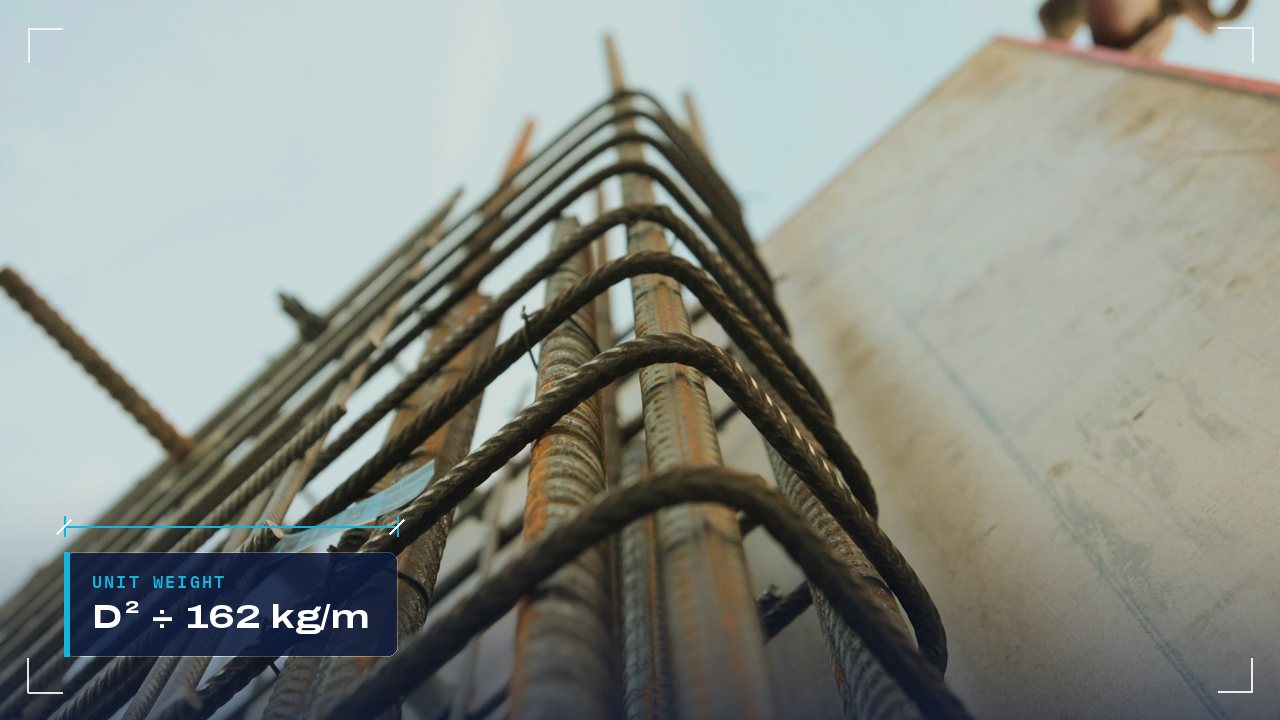
Rebar take-off in Estimatrix: bar sizes, unit weights and lapping allowance
Reinforcement items open in their own take-off: bars × diameter × length gives kilograms, with the unit weight shown, a lapping and wastage percentage and a summary by diameter.
28 Oct 2026 · 6 min readRead