
Estimatrix guidesMeasurement sheets: Enter-key entry, formulas, deductions and extra columns
Fast keyboard take-off in Estimatrix: Enter-key navigation, formulas inside cells, columns that follow the unit, deductions, multiplier columns and a worked example.
By Muhammad Sarowar Hossain, Founder & CEOPublished 29 October 2026Updated 24 November 20267 min read
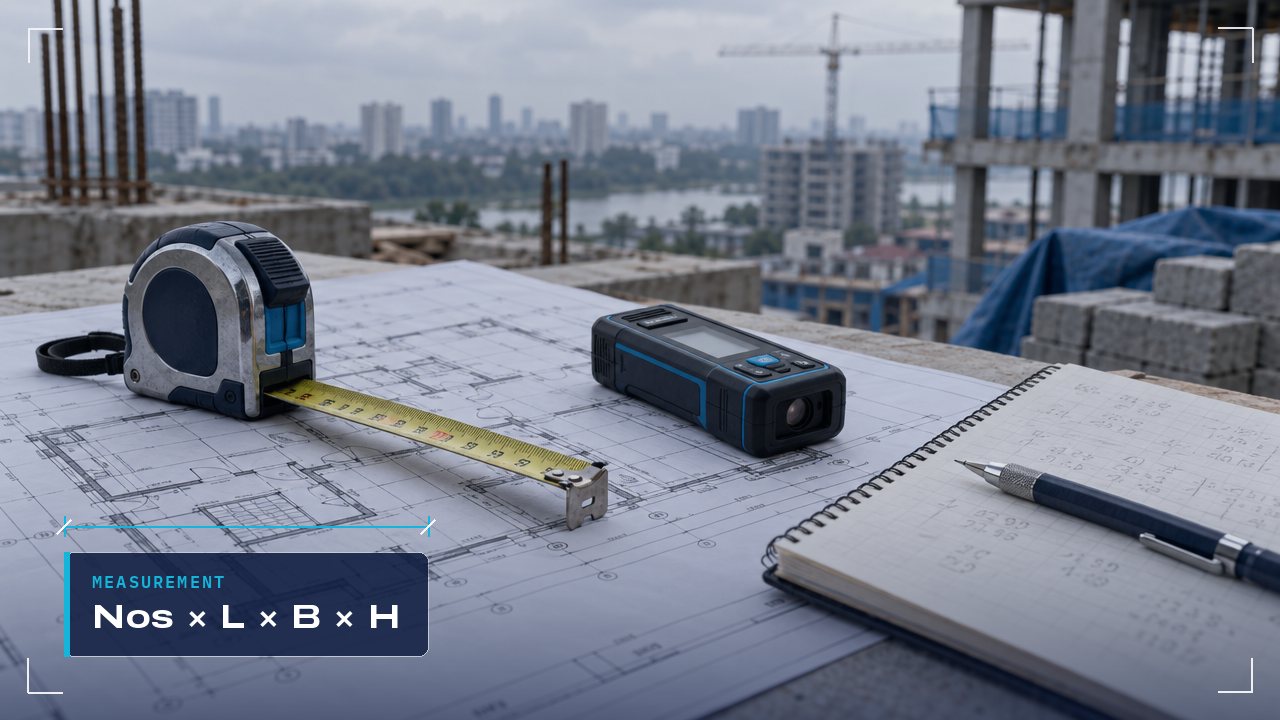
The measurement sheet is where every quantity in a BOQ begins. If a figure there is wrong, the rate, the amount, the cement order and the budget are all wrong with it.
Estimatrix is built for take-off from the keyboard, so you can read a drawing and type without reaching for the mouse, and every row stays visible for the person who checks your work.
Enter-key navigation
Pressing Enter moves the cursor in a fixed order:
Description → Nos → Length → Breadth / Width → Height → new row
The order holds wherever you start. If you skip Description, Nos and Length, type a width and press Enter, the cursor moves to Height; pressing Enter again inserts a new row below and puts the cursor in its first cell. Floor or phase assignments copy from the previous row.
Where Enter takes the cursor
Start anywhere: the order is always the same.
Columns follow the unit
The sheet shows only the dimensions the unit needs:
| Item unit | Columns |
|---|---|
| cum / cft (volume) | Nos, Length, Breadth, Height |
| sqm / sft (area) | Nos, Length, Width |
| m / rft (running) | Nos, Length |
| nos / each / set | Nos |
A column is never hidden if a row already holds a value in it, so older projects keep their data.
Formulas inside cells
Engineers often add grid dimensions (12.5 + 15.0 + 8.25) or subtract a column width (20.0 − 1.5). Type the expression straight into the cell:
- =12.5+15+8.25 shows 35.75
- 20-1.5 shows 18.5
- (3+4)x2 shows 14
The cell displays the result; click it to see and edit the formula. Formula cells carry a dotted underline so a checker can spot them. Only numbers and + − × ÷ ( ) are accepted.
Length cells also accept the other unit system: type 12'-6", 3.81m or 150mm and it converts to the project unit.
Deductions
Use − Add deduction (or the + / − switch on any row) for doors, windows, lintels and other openings. Deducted rows turn light red and subtract from the item total. This matters most for brickwork and plaster.
Extra multiplier columns
When a structure repeats (identical floors, repeated grids, a "Total Nos" factor), use + Add column. Name it, choose before Nos or after the last dimension, and every value in it multiplies the row. A blank cell counts as 1. Remove a column with the ✕ in its header.
A worked example
Plaster on both faces of a wall 4.5 m long and 3.0 m high, with one door of 1.0 m × 2.1 m, repeated on six identical floors. The unit is sqm, so the columns are Nos, Length and Width, and an extra column "Floors" is added.
| Row | Floors | Nos | Length | Width | Area (sqm) |
|---|---|---|---|---|---|
| Wall, both faces | 6 | 2 | 4.5 | 3.0 | 162.00 |
| Deduct door | 6 | 2 | 1.0 | 2.1 | −25.20 |
| Item quantity | 136.80 |
Two rows replace twelve, and the checker sees where each figure came from.
Linked measurements
Some items share identical dimensions, such as surface preparation and bonding agent on a jacketed column. Choose Link measurements from and pick the source item: the rows mirror live, with a "Linked to Item #" badge. See linked measurements for retrofitting.
Floors and phases
In a floor-wise or phase-wise project each row has a floor or phase. The floor budget sheet adds them up.
Mistakes we see often
- One row holding a total worked out on paper. Nobody can check it later; enter the dimensions.
- A deduction typed as a negative length in a normal row instead of a deduction row.
- Feet typed into a metric project without the unit mark.
- The same wall measured under two items because the description was left empty.
Which dimension goes in which column
The columns have fixed names, and the members of a building do not. This table shows the usual way to enter each one.
| Work | Unit | Nos | Length | Breadth or Width | Height |
|---|---|---|---|---|---|
| Footing concrete | cum | number of footings | length | breadth | depth |
| Column concrete | cum | number of columns | one side | other side | height |
| Beam concrete | cum | number of beams | clear length | breadth | depth |
| Slab concrete | cum | 1, or panels | length | breadth | thickness |
| 250 mm brick wall | cum | walls | length | 0.25 | height |
| 125 mm brick wall | sqm | walls | length | height | not shown |
| Plaster, paint, tiles | sqm | faces | length | height or breadth | not shown |
| Skirting, pipes | m | runs | length | not shown | not shown |
A row multiplies whatever you have filled in. A cell left empty is left out of the multiplication, so a row with only a length gives that length. A row with nothing in it counts as zero.
Measure each piece of concrete once
Where a beam meets a column, the concrete at the junction belongs to one of them, not to both. Decide the rule before you start and keep to it for the whole job. A common rule is:
- columns from the top of the footing to the top of the slab, full height;
- beams between the faces of the columns, by clear length;
- slabs over their full area, and beams by their depth below the slab.
Write the rule on the first row of the sheet as a note. A checker who knows your rule can follow every row.
A second worked example: columns and beams
Twelve columns of 300 × 450 mm, 3.0 m high, and eight beams of 250 × 450 mm between column faces. The beams are on a 4.5 m grid, so the clear length is 4.5 less one column width of 0.3.
| Row | Nos | Length | Breadth | Height | Quantity (cum) |
|---|---|---|---|---|---|
| Columns | 12 | 0.3 | 0.45 | 3.0 | 4.86 |
| Beams | 8 | =4.5-0.3 | 0.25 | 0.45 | 3.78 |
The length of the beam is typed as a formula. The cell shows 4.2, and anyone who clicks it sees where 4.2 came from. That is worth more than a correct number with no history.
A five-minute check before you move on
- Read down the Nos column. A missing multiplier is the most common error on any sheet.
- Look for a dimension in the wrong unit: 250 in a column of metres, or 12 where 1.2 was meant.
- Count the deduction rows against the door and window schedule.
- Compare the total with a rough figure worked out in your head. For the columns above: twelve times about 0.4 cum is about 5.
- Check that every row has a description. "Grid A, 1 to 4" finds a row again in six months; a blank does not.
Questions people ask
Can I type feet in a metric project? Yes. Type the unit with the figure, such as 12'-6" or 150mm, and the cell converts it. A bare number is always read in the project's unit.
What if I already know the total? Enter the dimensions anyway. A total with no working cannot be checked, and on a running bill it will be questioned.
Why did my quantity become negative? The row is set to deduct. Use the + / − switch on the row to change it back.
Do I have to assign a floor to every row? Only in a floor-wise or phase-wise project. A new row copies the floor of the row above it.
Tips
- Ctrl+Z / Ctrl+Y undo and redo anywhere outside a cell.
- Ctrl+S saves immediately; otherwise Estimatrix saves every 15 seconds when something has changed.
- Work offline on site: changes queue in the browser and sync when the connection returns.
#measurement#take-off#productivity
Related articles
How to create a BOQ online with Estimatrix, step by step
From a blank project to a priced, tender-ready bill of quantities on the PWD Schedule of Rates: what to prepare, set-up, items, measurement, rates and export.
30 Oct 2026 · 7 min readRead
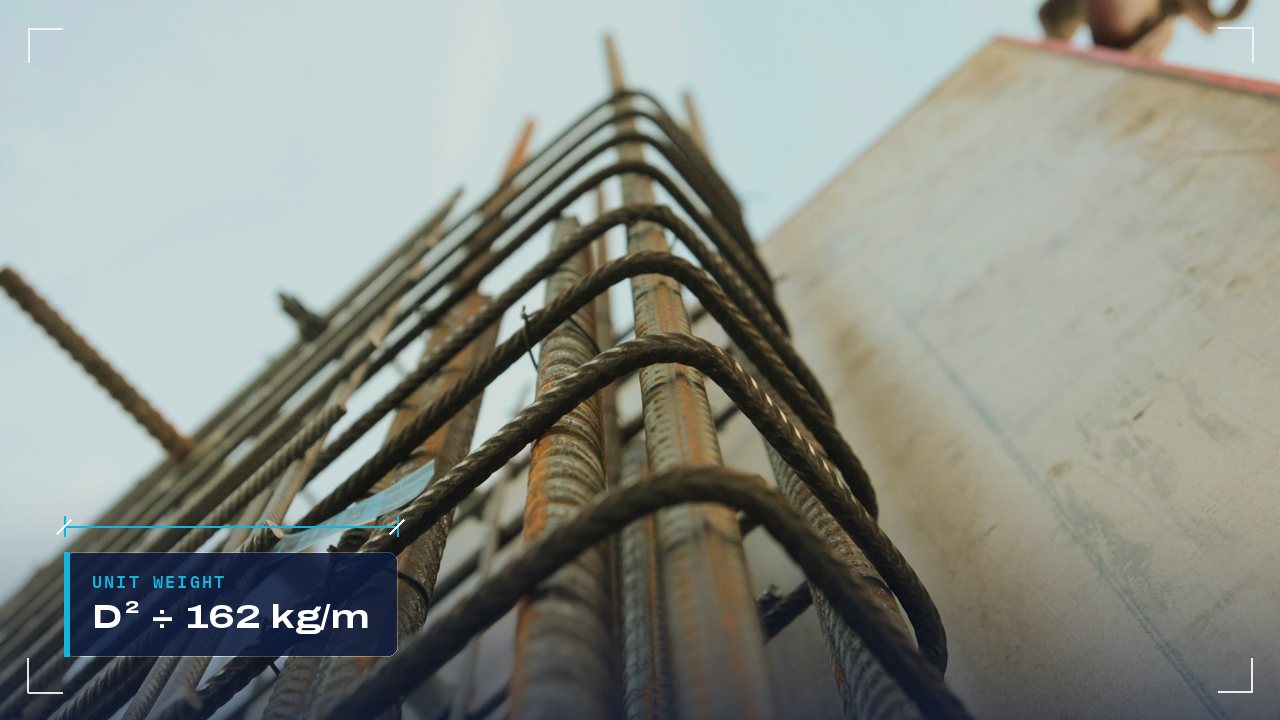
Rebar take-off in Estimatrix: bar sizes, unit weights and lapping allowance
Reinforcement items open in their own take-off: bars × diameter × length gives kilograms, with the unit weight shown, a lapping and wastage percentage and a summary by diameter.
28 Oct 2026 · 6 min readRead

Rate analysis on the PWD Schedule of Rates: how Estimatrix builds it
Every SoR item arrives with a rate analysis: material quantities from the specification, PWD basic rates for your zone, market prices alongside and a balancing line that keeps the published rate.
26 Oct 2026 · 6 min readRead