
Estimatrix guidesLinked measurements for retrofitting: surface preparation, bonding agent and jacketing
Make one item mirror another's measurement rows live: no double entry, no mismatched quantities and a clear trail for auditors. With the sequence for a jacketed column.
By Muhammad Sarowar Hossain, Founder & CEOPublished 20 October 2026Updated 24 November 20265 min read
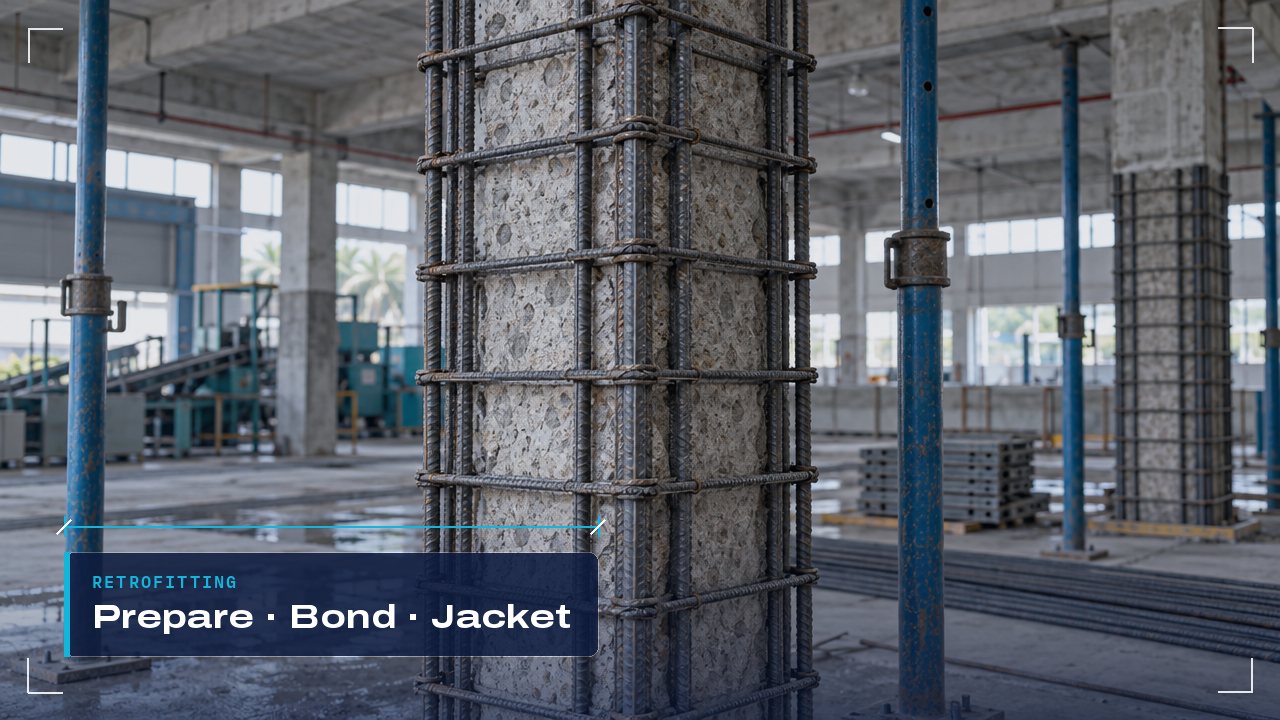
Strengthening work repeats the same surfaces again and again. On a jacketed column you prepare the surface, apply the bonding agent, fix the dowels and cast the micro-concrete, and the first two share exactly the same area.
Typed twice, those areas drift apart at the first revision, and an auditor who finds 412 sqm of surface preparation beside 396 sqm of bonding agent will question the whole bill.
Link one item to another
On the measurement sheet of the second item, choose Link measurements from and pick the first item. From then on:
- the second item shows every row of the first, with all its dimensions, not only a total;
- a Linked to Item # badge shows the source;
- when you edit a dimension in the source, the linked item updates at once.
Linked rows are read-only in the linked item, so there is one place to change them.
24 columns, measured once
115.2 sqm
24 × 1.6 m × 3.0 m, entered as one row.
Unlink
Unlink, keep a copy of the rows turns the mirrored rows into the item's own rows, ready to be edited separately.
A typical jacketing sequence
- Surface preparation or chipping: measured column by column (perimeter × height).
- Bonding agent: linked to 1.
- Chemical anchor dowels: counted (nos).
- Jacketing reinforcement: rebar take-off.
- Micro-concrete: jacket thickness × perimeter × height.
- Curing: linked to 1.
When you add retrofitting items, Estimatrix's next-item suggestions follow this order.
A worked example
Twenty-four columns of 400 × 400 mm, 3.0 m clear height, to be jacketed on four sides.
- Perimeter of one column = 4 × 0.4 = 1.6 m
- Surface preparation = 24 × 1.6 × 3.0 = 115.2 sqm, entered as one row
- Bonding agent, linked: 115.2 sqm, with no entry at all
If the engineer later finds that four of the columns are 3.6 m high, one new row in the surface preparation item changes both quantities together.
When to link, and when not to
Link two items when they cover the same surface, by definition. Do not link items that only happen to be equal today: the formwork of the jacket, for example, has the perimeter of the new, larger section and needs its own rows.
In the exports
The measurement sheet notes "linked to item n" and prints the mirrored rows, so a reviewer can trace every quantity.
Mistakes we see often
- The same areas typed into three items and corrected in only one.
- Formwork or curing of the jacket measured on the old column size.
- Dowels estimated by area instead of counted from the design.
The example, carried through every item
Take the twenty-four columns of 400 × 400 mm again, now with four of them 3.6 m high and twenty at 3.0 m, and a jacket 100 mm thick on all four sides. The jacket thickness is an example; yours comes from the design.
Surface preparation, the source item, has two rows.
| Row | Nos | Perimeter | Height | Area (sqm) |
|---|---|---|---|---|
| Columns, 3.0 m | 20 | 1.6 | 3.0 | 96.00 |
| Columns, 3.6 m | 4 | 1.6 | 3.6 | 23.04 |
| Total | 119.04 |
Bonding agent is linked to it and shows the same two rows and the same 119.04 sqm, with nothing typed.
Micro-concrete is not linked. The jacketed column is 600 × 600 mm, so the new concrete in each metre of height is 0.6 × 0.6 less 0.4 × 0.4, which is 0.20 sqm.
- 20 × 0.20 × 3.0 = 12.00 cum
- 4 × 0.20 × 3.6 = 2.88 cum
- Total = 14.88 cum
Formwork has its own rows too. Its perimeter is that of the new section, 4 × 0.6 = 2.4 m.
- 20 × 2.4 × 3.0 = 144.00 sqm
- 4 × 2.4 × 3.6 = 34.56 sqm
- Total = 178.56 sqm
The surface was prepared on 119.04 sqm and formed on 178.56 sqm. An estimator who links formwork to surface preparation loses a third of the formwork.
Linked, copied or separate?
| The two items | Do this |
|---|---|
| Cover the same surface by definition, such as surface preparation and bonding agent | Link |
| Start from the same rows and will then differ, such as a wall plastered on one side and painted on both | Unlink and keep a copy of the rows, then edit |
| Only look alike, such as the old and the new perimeter of a column | Keep separate rows |
Other pairs worth linking
Linking is not only for retrofitting. It fits any two items that are measured on the same surface, in the same unit.
- Putty, primer and finish paint on the same walls: link the primer and the finish coat to the putty.
- Brick flat soling and the polythene sheet laid over it.
- A waterproofing membrane and the protective screed over it.
- Plaster and the curing of that plaster, where curing is a separate item.
A link can only take its rows from an item that is measured by its own rows. An item cannot be linked to itself, or to an item that is already linked to it.
What the auditor looks for
- The same area on every item that covers the same surface. Linked items pass this check by construction.
- A source for every quantity. The exported measurement sheet prints the mirrored rows and names the item they came from.
- A reason for every difference. Where formwork and surface preparation differ, the rows show the two perimeters, and the question answers itself.
Questions people ask
Can I edit one row in the linked item? No. Linked rows are read-only there. Edit the source, or unlink and keep a copy if this item must now differ.
What happens if I delete a row in the source? It goes from the linked item as well. That is the purpose of the link.
Can three items follow one source? Yes. Bonding agent and curing can both be linked to surface preparation.
Does the linked item keep its own rate? Yes. Only the measurement is shared. The unit, the rate and the rate analysis belong to each item.
Help on site
The quality of retrofitting depends on chemicals, equipment and crews as much as on quantities. The retrofitting article covers the method; Prime Base Engineering offers site assessment and turnkey execution.
#retrofitting#measurement#jacketing
Related articles

How to create a BOQ online with Estimatrix, step by step
From a blank project to a priced, tender-ready bill of quantities on the PWD Schedule of Rates: what to prepare, set-up, items, measurement, rates and export.
30 Oct 2026 · 7 min readRead
Measurement sheets: Enter-key entry, formulas, deductions and extra columns
Fast keyboard take-off in Estimatrix: Enter-key navigation, formulas inside cells, columns that follow the unit, deductions, multiplier columns and a worked example.
29 Oct 2026 · 7 min readRead
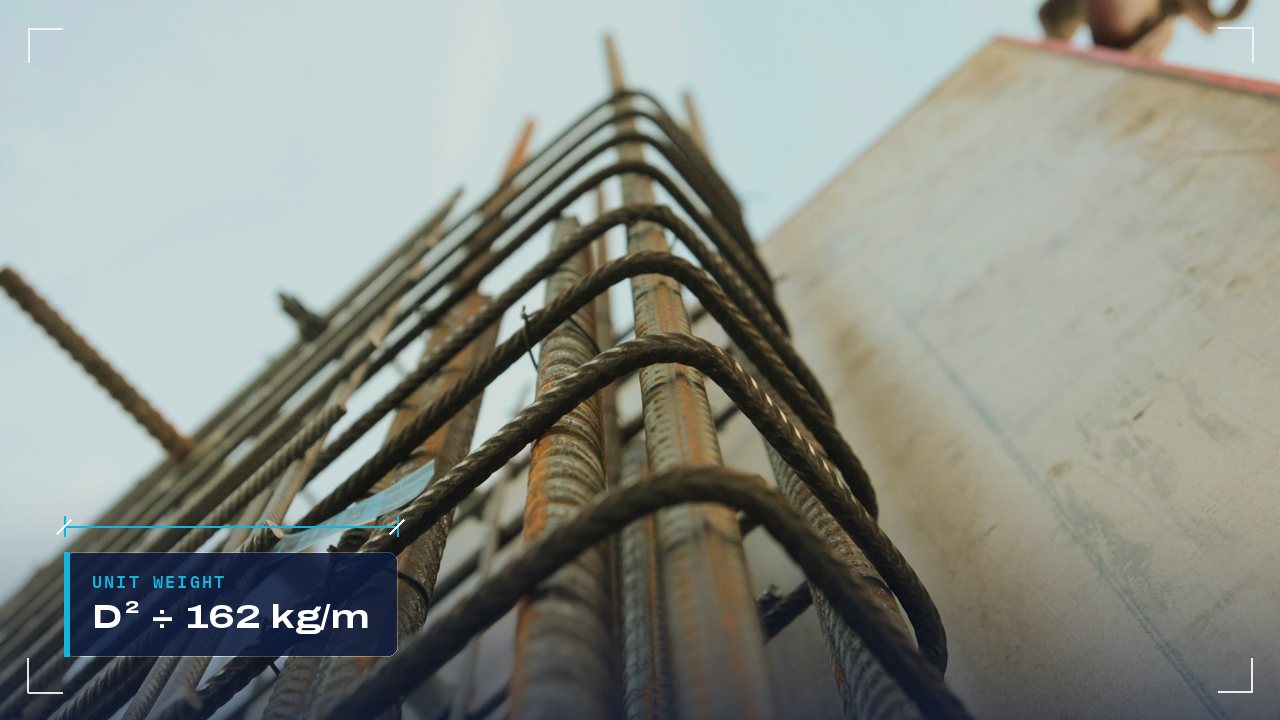
Rebar take-off in Estimatrix: bar sizes, unit weights and lapping allowance
Reinforcement items open in their own take-off: bars × diameter × length gives kilograms, with the unit weight shown, a lapping and wastage percentage and a summary by diameter.
28 Oct 2026 · 6 min readRead