
Estimatrix guidesVAT, AIT, profit and overhead: official estimate and contractor's tender quote
How mark-ups are handled in Estimatrix: PWD SoR rates that already include them, a tender quote that removes them and applies your own, a worked example and restore points.
By Muhammad Sarowar Hossain, Founder & CEOPublished 25 October 2026Updated 24 November 20265 min read
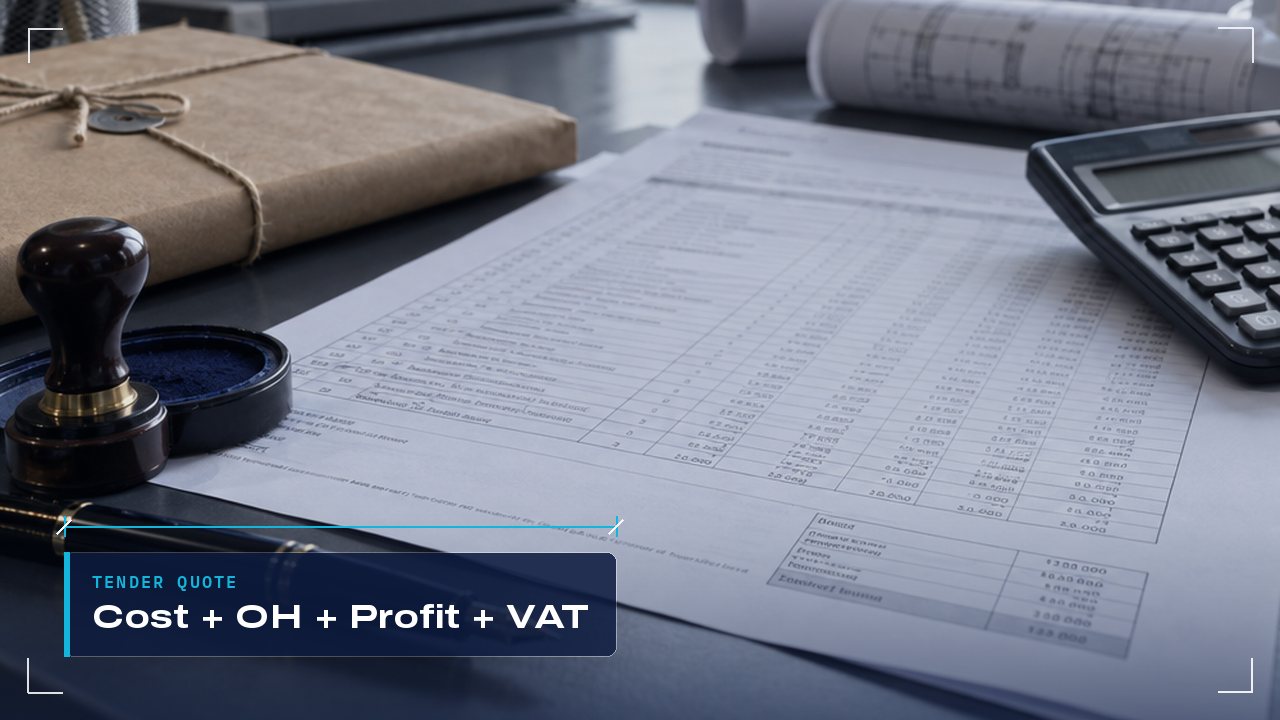
Two people price the same BOQ and reach different totals, and both are right. One is preparing the client's official estimate, the other a contractor's offer. The difference is in how profit, overhead, VAT and AIT are treated.
Official estimate (PWD SoR basis)
The rates in the PWD Schedule of Rates already include the contractor's profit, overhead and VAT. An official estimate simply totals the published rates. This is what a client's or a department's engineer prepares.
The same BOQ, two totals (example %)
10,00,000
SoR rates with their built-in mark-ups removed.
Contractor's tender quote
A contractor needs to know the base cost and add their own margins. In tender mode Estimatrix:
- removes the mark-ups built into the SoR rates, to reach a base cost;
- adds your overhead and your profit, each as a percentage of the base cost;
- adds VAT and AIT, each as a percentage of the base cost plus overhead and profit;
- applies an optional tender adjustment, above or below the estimate, on the total so far.
Each line can be switched on or off.
A worked example
The percentages here are examples only; use the ones that apply to your tender.
| Line | Basis | Amount (Tk) |
|---|---|---|
| Base cost | 10,00,000 | |
| Overhead, 5% | of base cost | 50,000 |
| Profit, 10% | of base cost | 1,00,000 |
| Sub-total | 11,50,000 | |
| VAT, 7.5% | of sub-total | 86,250 |
| AIT, 5% | of sub-total | 57,500 |
| Tender total | 12,93,750 |
The order matters. VAT taken on the base cost alone would be Tk 75,000, and the offer would be Tk 11,250 short on every ten lakh.
Setting the percentages
The new-BOQ dialog pre-fills VAT, AIT, profit and overhead with standard percentages. Keep them or type your own. Later, open Tools → Taxes & margins (or the % button in the toolbar) at any time, halfway through or after the BOQ is finished. The whole project recalculates at once: item rates where they depend on the analysis, sub-totals and the summary.
VAT and AIT rates on contracts change with the Finance Act and differ by type of contract, so check the rates that apply to your tender. Typical working values are VAT 7.5 to 15% and AIT 5 to 7%.
Restore points
Before a project-wide change (mark-ups, a unit switch, re-pricing to another SoR edition), Estimatrix saves a restore point and shows Undo global change for two minutes. Every restore point is also listed under Revision history.
Rate-analysis items
Items priced from a rate analysis use the "mark-ups built into the PWD SoR rates" percentages to go from direct cost to an inclusive rate, so they stand on the same basis as SoR items.
In the exports
The summary shows each mark-up line and the grand total in figures and in words. The e-GP export gives the unit rate of every item in English and Bengali words.
How the base cost is found
A schedule rate is a base cost with overhead, profit and VAT already inside it. To take them out, divide by the same factors that put them in:
Base cost = schedule total ÷ [(1 + (profit + overhead) ÷ 100) × (1 + VAT ÷ 100)]
A new project starts with profit 10%, overhead 3.5% and VAT 10% as the mark-ups built into the schedule rates. That gives a factor of 1.135 × 1.10 = 1.2485.
So a BOQ that totals Tk 12,48,500 on schedule rates has a base cost of 12,48,500 ÷ 1.2485 = Tk 10,00,000. Everything in a tender quote is built up again from that figure. Set the built-in percentages to those of your schedule edition before you trust the base cost.
Three offers from one base cost
All three start from a base cost of Tk 10,00,000. The percentages are examples.
| A: the same as the schedule | B: your own margins | C: B, offered 5% below | |
|---|---|---|---|
| Overhead | 3.5% = 35,000 | 5% = 50,000 | 50,000 |
| Profit | 10% = 1,00,000 | 10% = 1,00,000 | 1,00,000 |
| Sub-total | 11,35,000 | 11,50,000 | 11,50,000 |
| VAT | 10% = 1,13,500 | 7.5% = 86,250 | 86,250 |
| AIT | off | 5% = 57,500 | 57,500 |
| Adjustment | none | none | −5% = −64,687.50 |
| Total (Tk) | 12,48,500 | 12,93,750 | 12,29,062.50 |
Offer A returns exactly to the schedule total, as it should: the same percentages were taken out and put back. Offer C shows that the adjustment is worked out on the whole total, taxes included.
AIT is off until you switch it on
A new project has the AIT line switched off, with 0% in it. Where tax is deducted at source from your bills, switch the line on in Tools → Taxes & margins and enter the rate that applies to your contract. Leaving it off does not make the deduction go away. It only means your price did not allow for it.
What to state in the offer
A total alone invites an argument. Beside it, write:
- whether VAT is included, and at what rate;
- whether AIT is included, and at what rate;
- the basis of the rates: the schedule edition and zone, or market prices with their date;
- how long the offer is valid.
Four short lines, and the first bill is paid without a meeting.
Questions people ask
Is VAT charged on my profit too? In this calculation, yes. VAT is taken on base cost plus overhead plus profit, which is the price of the work.
If I change the tender percentages, does the official estimate change? No. The official estimate totals the schedule rates. Only the percentages built into the schedule rates affect it, and only through items priced from a rate analysis.
Can I show a tender without a separate profit line? Each line can be switched off. Remember that a line switched off is left out of the total, not hidden inside it.
What is the adjustment for? For offering a stated percentage above or below your build-up, as tenders often ask. It keeps your cost build-up intact, so you can see what the discount costs you.
Mistakes we see often
- Adding profit and overhead on top of SoR rates that already contain them.
- Leaving AIT out because "it is deducted anyway". It is deducted from your payment, so it belongs in your price.
- Using last year's VAT rate.
- Stating a total in a private quotation without saying whether VAT and AIT are inside it. See what a contractor's quotation should contain.
#vat#ait#tender#markups
Related articles
How to create a BOQ online with Estimatrix, step by step
From a blank project to a priced, tender-ready bill of quantities on the PWD Schedule of Rates: what to prepare, set-up, items, measurement, rates and export.
30 Oct 2026 · 7 min readRead
Measurement sheets: Enter-key entry, formulas, deductions and extra columns
Fast keyboard take-off in Estimatrix: Enter-key navigation, formulas inside cells, columns that follow the unit, deductions, multiplier columns and a worked example.
29 Oct 2026 · 7 min readRead
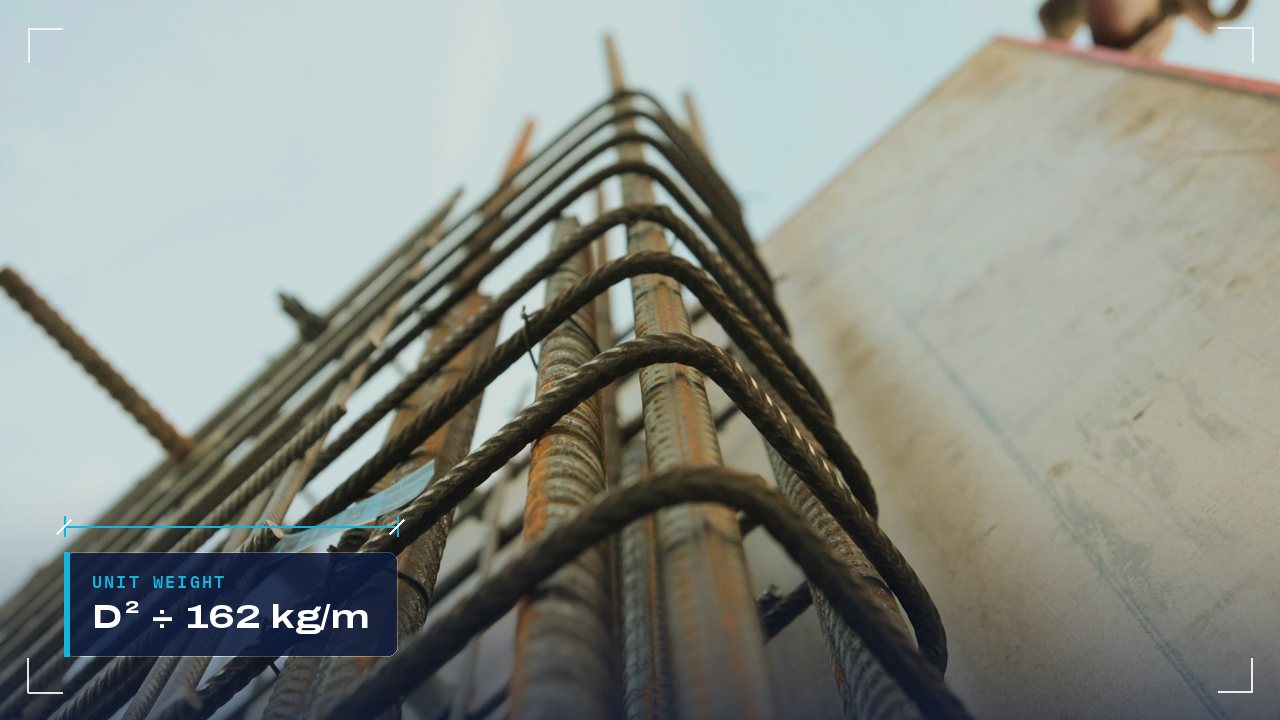
Rebar take-off in Estimatrix: bar sizes, unit weights and lapping allowance
Reinforcement items open in their own take-off: bars × diameter × length gives kilograms, with the unit weight shown, a lapping and wastage percentage and a summary by diameter.
28 Oct 2026 · 6 min readRead